Windows Sonic vs Dolby Atmos for Headphones vs DTS Headphone:X
Content
Every Windows PC can put a virtual speaker ring around your head. You get three renderers to choose from, two of them cost money, and the marketing around all three is close to useless. This article sorts out what they actually do, where the difference lies, and which one is worth paying for.
What is the difference between Windows Sonic, Dolby Atmos for Headphones and DTS Headphone:X?
All three do the same job: they take multichannel or object-based audio and fold it down to two channels for your headphones, using a head-related transfer function so the sound appears to come from outside your head. They differ in price, in the app you install them through, and in how they voice the result. None of them is a headphone feature, and none of them needs special hardware. The five listening modes behind all of this, and why head tracking often works against the mix, are in my article on Dolby Atmos headphones and the head-tracking problem.
| Windows Sonic for Headphones | Dolby Atmos for Headphones | DTS Headphone:X | |
|---|---|---|---|
| Included in Windows | yes | no, via the Dolby Access app | no, via DTS Sound Unbound |
| Cost | free | paid licence | paid licence |
| Handles object-based audio | yes | yes | yes |
| With a stereo source | upmix only | upmix only | upmix only |
| Matched to your ears | no | no | no |
You switch between them in the Windows sound settings for your output device, under spatial sound. On Xbox the same choice sits in the audio output settings.
The row nobody prints on the box
Look at the last line of that table again. All three use a generic head-related transfer function, one average pair of ears meant to work for everybody. Your own ears are shaped differently from that average, which is why the same demo convinces one person and leaves the next one cold.
That limit is audible. On headphones it is genuinely hard to tell whether something sits in front of you or behind you. It sounds like stereo plus: a bit wider, you notice something is happening, but you have no chance of localizing sound from above or below as long as it is this generic rendering. In a car I have heard the same technology work properly, with sounds coming from everywhere. The difference is not the format, it is the path to your ears.
There is one approach that solves this, and it convinced me because it does the obvious thing. You put on headphones with microphones built into them, the system plays a sweep, and it measures the room together with your head. A camera tracks where your head is. When I tried it, the music kept coming from the loudspeakers even though I was wearing headphones. Take them off, and you sit in a silent room. That is what personalisation means, and no free checkbox in Windows does it. How individual ear characteristics shape what you hear is the subject of my article on personalised spatial audio and HRTF.

Do you need special headphones for this?
No. The conversion from multichannel input into binaural stereo happens on the software side. You do not need a surround headset for it, even if brands like to suggest they support it. A headphone tuned for this kind of playback will sound better, but no special hardware is required.
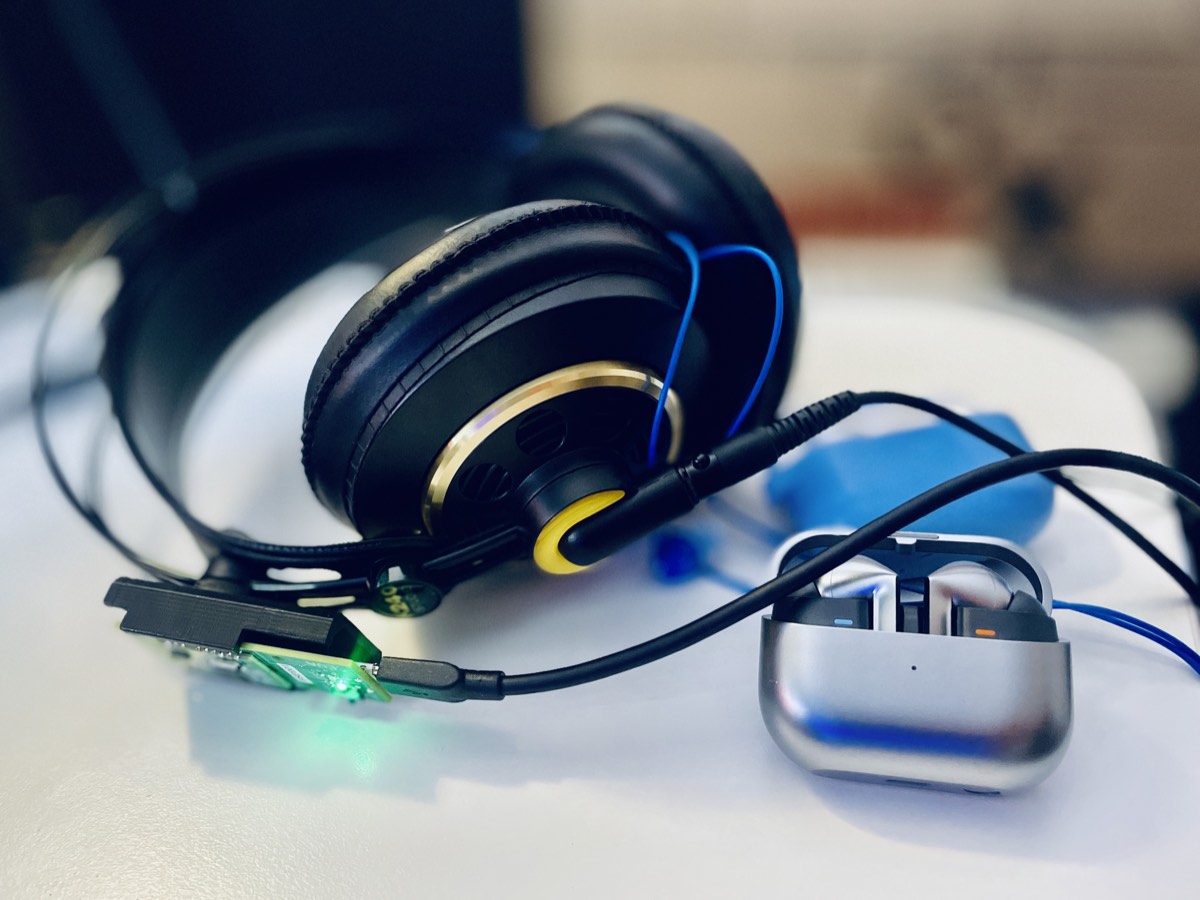
What does matter is the source material. Ask one question before you buy anything: does the device handle multichannel material, or does it only upmix stereo? I had the Galaxy Buds Pro, whose “360 Sound” feature made me expect head tracking and Dolby Atmos. What it actually did was upmix stereo so that it sounded like it came from the phone. There is no real gain in that, so I switched it off. If 3D audio is printed on the box, 3D audio is not necessarily inside.
Level-match before you judge any of them
This is the single most useful thing you can do in this comparison, and almost nobody does it. When you flip the switch from stereo to Dolby, the sound gets louder first, in my experience by around three volume steps. You do hear more channels, but a good part of the “wow, what is that” comes from the higher loudness. Heard at matched levels, the dramatic difference largely disappears.
So before you decide that one renderer beats another, turn the louder one down until both sound equally loud. Most A/B comparisons on forums and on YouTube skip this, which is why their conclusions contradict each other.
Why the label tells you nothing about the signal path
I bought myself a soundbar once, because I talk about Dolby Atmos all the time and did not have it at home. Then it did not work, and I could not find the fault. I really lost my temper over it. In the end it turned out that the HDMI cable and the port on the smart TV were too old, and the Netflix app never indicated that I was getting plain surround instead of Atmos.
No normal customer support can help with that. You google yourself silly. The lesson applies directly to headphone rendering on a PC: the logo in the app says nothing about what is actually arriving at your ears. Check the chain, not the badge.
Which one should you pick?
Start with Windows Sonic, because it costs nothing and it already tells you whether this kind of rendering works for your ears at all. If it leaves you cold, a paid licence will not change that, since all three share the same generic-ears limitation. If Windows Sonic does something for you, then a paid renderer is worth trying, and the sensible way to choose is a level-matched comparison with material you know well.
If you want the effect to be reliably convincing rather than occasionally convincing, the money is better spent on personalisation than on a second licence.
Frequently asked questions
The short answers, for the questions I get asked most about spatial sound on Windows.
Is Windows Sonic as good as Dolby Atmos for Headphones?
For most listeners the gap is much smaller than the price difference suggests. Both use generic head-related transfer functions and both need multichannel material to do anything meaningful. Compare them at matched levels before you pay, because the louder option almost always wins an unmatched test.
Does Dolby Atmos for Headphones work with Spotify?
Only if the source delivers multichannel audio. With an ordinary stereo track the renderer can only upmix, which widens the image slightly but adds no real placement. The renderer is not the limit here, the source is.
Do I need a special headset for spatial sound on PC?
No. The binaural conversion runs in software on your PC, not in the headphone. A gaming headset labelled 7.1 contains no extra speakers. Any decent stereo headphone works, and a neutral one usually works better than a heavily voiced one.
Why does spatial audio sound better for some people than others?
Because these renderers use one averaged set of ear characteristics. The shape of your outer ear determines how you decode direction, and the further your ears sit from that average, the flatter the effect. Personalised measurement solves this, generic rendering cannot.