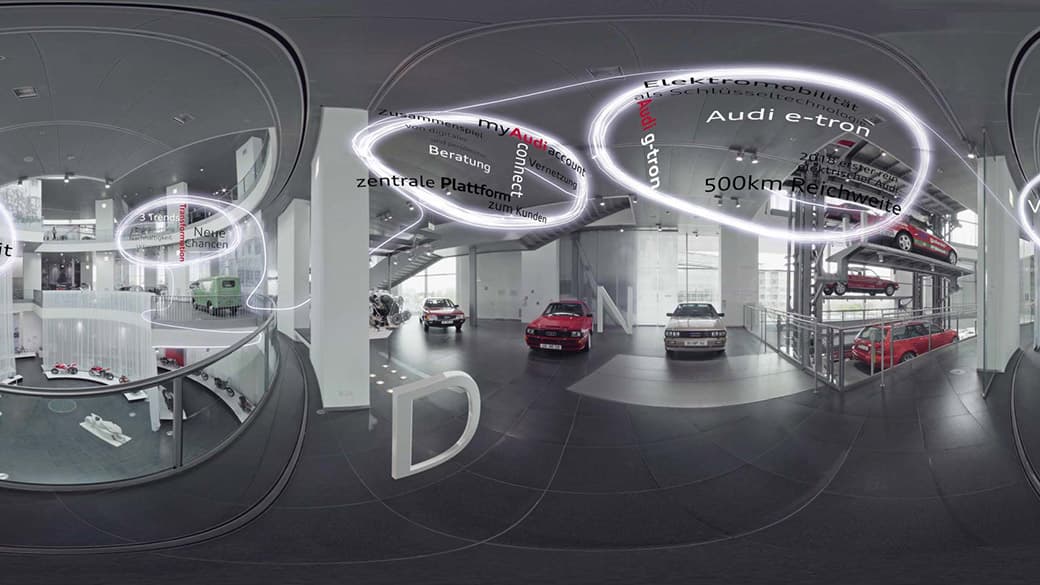
Audi Spatial Audio Guide Museum Mobile
In a 360° video everyone can look wherever they want. That is the strength of the format and at the same time its biggest problem: whoever is looking at the ceiling misses what happens behind them. In a training video that isn’t a cosmetic flaw, it is a reason why the message doesn’t land.
For Audi this became a 360° training video in 2017 that solves the problem with sound. In it, the head of sales of Audi Germany explains the topics of digitalisation, sustainability and urbanisation, DNU for short. The concept was called “Turn with me”. The job came directly from Audi, and I did the sound, from the shoot through to sound design.
Why the sound has to guide the eye
A 360° video has no cut that tells you where to look and no camera that shows you something. What remains is the sound. When you hear where someone is speaking, you turn towards them, all by yourself. “Turn with me” is built on exactly that.
The exciting part is that I hardly have to steer the gaze actively. It happens automatically through 3D sound. At the beginning the head of sales is still some distance away, barely recognisable in the picture, but you can already hear him and find him that way. It is staged so that he keeps moving through the room, and viewers turn with him automatically. No arrow, no hint, just a voice coming from somewhere.
That this works has since been measured too. In a heatmap study with LMU Munich, spatial sound kept viewers’ eyes on the important areas of the picture measurably longer.
How to shoot in a museum where you can’t hide
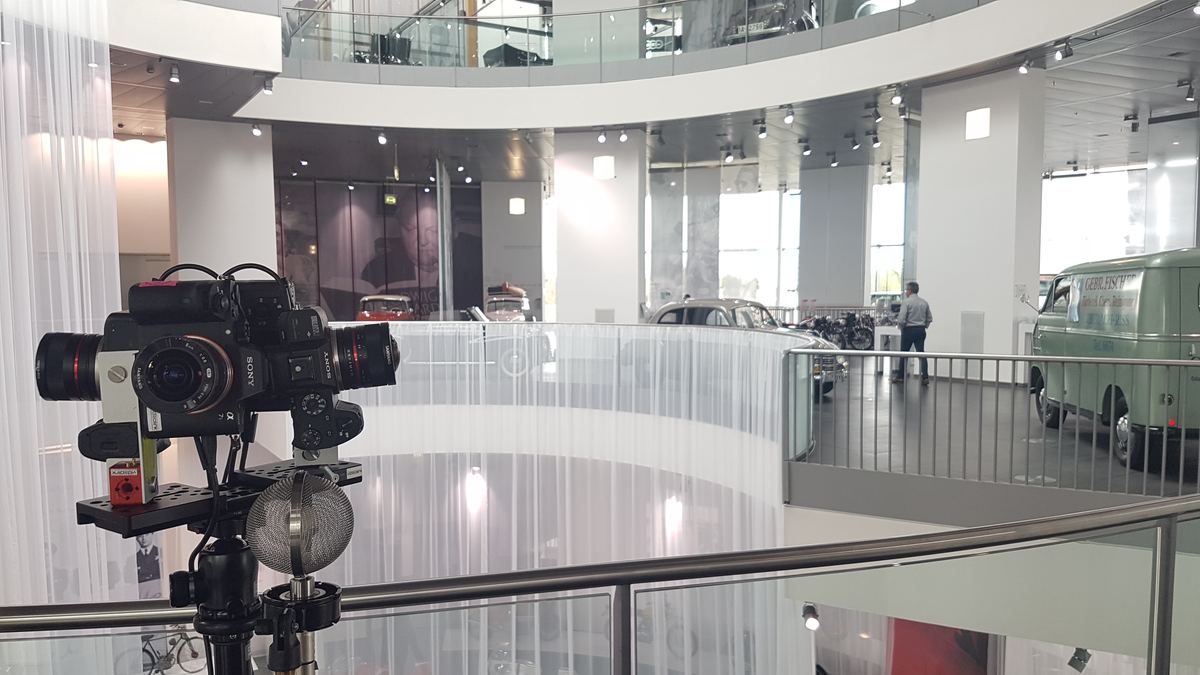
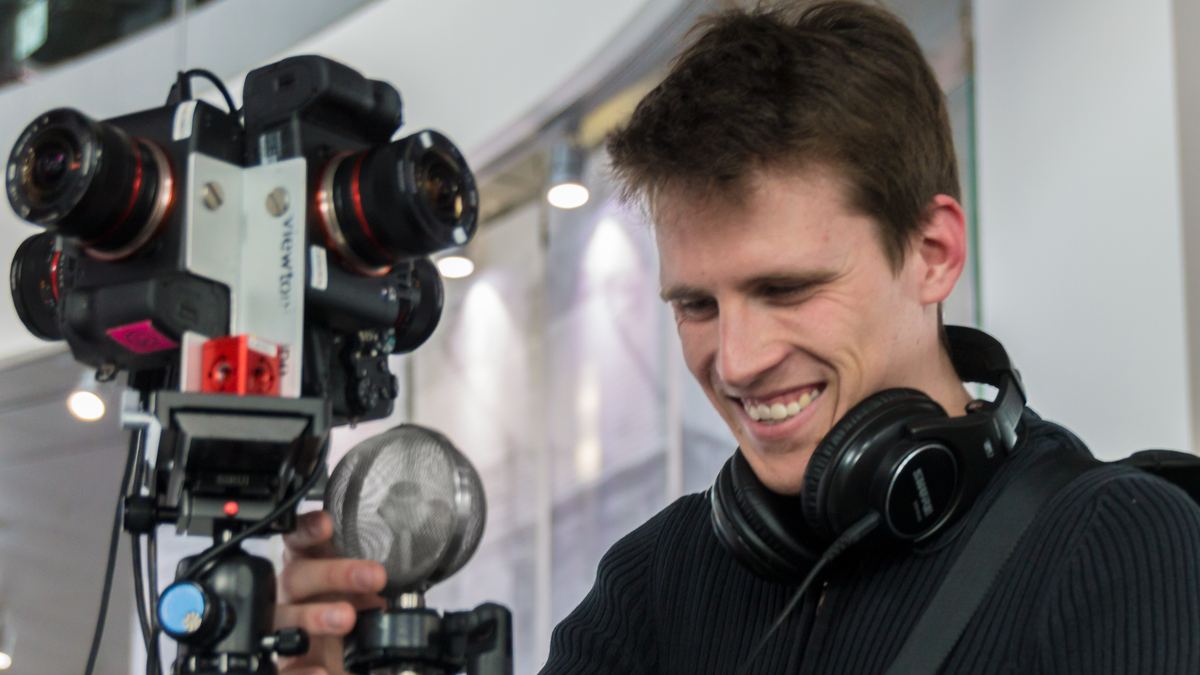
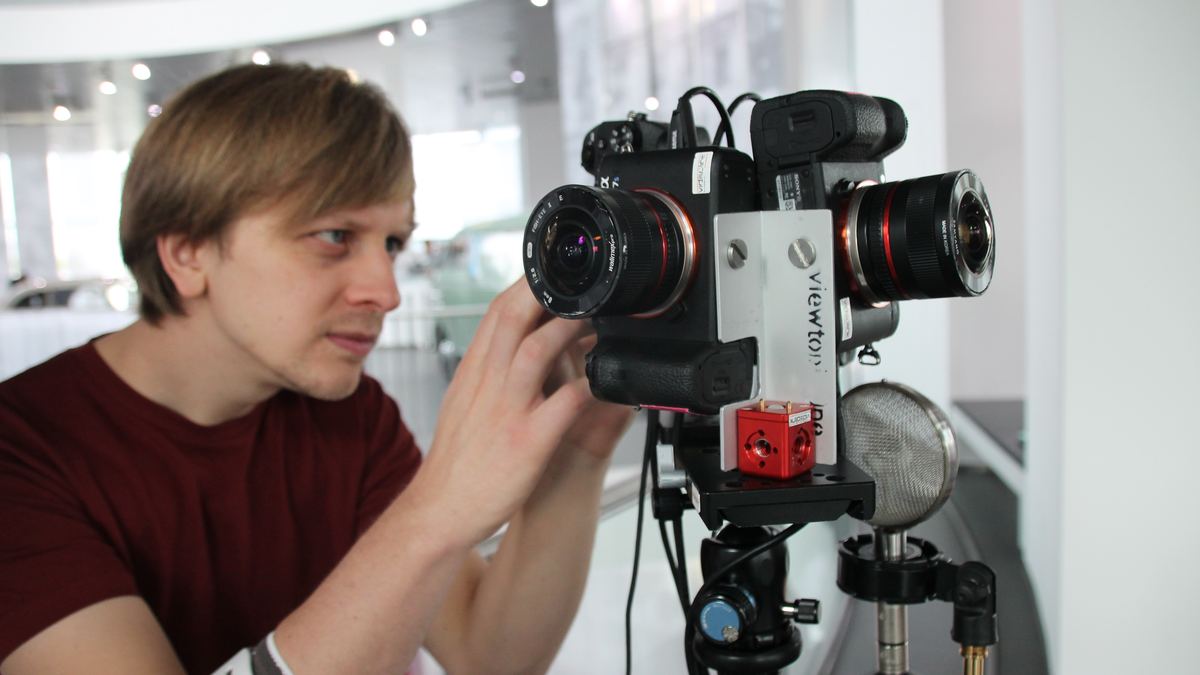
We shot in the museum mobile in Ingolstadt with a rig of four Sony Alpha 7s built by Vtopia360. On my side the usual setup was used: an Ambisonics microphone on the rig, radio mics for speech and hidden microphones in the room. The sound design is made from Audi’s corporate sounds, so the video sounds like the brand as well.
The museum has its own catch. It is large, there are lots of cars in it, but it is also very spacious and open. For a 360° camera that means there is hardly a corner you can stand in without being in shot. That applied to the crew as much as to the microphones. Everything that wasn’t supposed to be seen had to disappear somewhere in the room and still stay close enough to record cleanly.
What came of it
The video ran in the Audi Training Center at Munich Airport on around 200 iPads. I was there when 200 people watched it with an iPad in their hands and turned around while doing so. That was a special moment, because you see that the concept works.
Getting there wasn’t easy. Making 360° video with Ambisonics run on iPads that weren’t the latest generation took quite a bit of work. But that is exactly the point: a concept that only works in the studio doesn’t help any training team.
For me the project shows what spatial sound in 360° is really good for. Not as an effect, but as orientation. If you can hear where things continue, nobody has to tell you where to look.
Frequently asked questions about sound in 360° training videos
How do you guide the gaze in a 360° video? Most naturally with sound. When a voice is placed in space, viewers turn towards it by themselves. If the person moves through the room, they follow.
Does 360° video with 3D sound work on iPads? Yes, with Ambisonics and a suitable player app. Older devices need some tuning; for the Audi training the video ran on around 200 iPads.
How do you record sound in a 360° video without microphones in shot? With an Ambisonics microphone directly on the rig, radio mics for the speakers and hidden microphones behind objects in the room.
Planning a VR or 360° project?
VR needs sound that deepens immersion and guides the eye.
Get in touch