
Spotify Dolby Atmos: Your compact guide for a better 3D- Audio experience
Content
Dolby Atmos changes how we perceive music, significantly enhancing audio quality. Instead of a flat stage, it creates a spatial backdrop with depth, height, and precise localization, which intensifies the listener’s experience through spatial depth and clarity. Dolby Atmos thus creates a completely new sound environment in which music can be experienced as an immersive world. The advanced Dolby Atmos capabilities enable a true three-dimensional sound experience.
A look at different devices such as Android, iPad, iPad Air, Sony, and other smartphones, as well as the supported streaming services, is crucial to achieve the optimal Dolby Atmos experience. On an Android device, users can enable or add Dolby Atmos by adjusting device settings, and Samsung devices often come with built-in Dolby Atmos capabilities.
This article brings together the most important answers and practical solutions, with the listening experience delivered by Dolby Atmos and Spatial Audio given special emphasis. The article is aimed at listeners who want to achieve convincing 3D sound quickly, whether with headphones, a soundbar, a home theater system, or in the car.
What lies behind Atmos and Spatial
Dolby Atmos is an object-based 3D audio format and differs from other formats in that it places sounds as individual objects in space, enabling a particularly immersive listening experience.
Alongside Dolby Atmos there are further 3D audio formats such as Dolby Atmos Music, which is designed specifically for music and enhances listening through expanded spatial perception. The motivation behind the development of Dolby Atmos is to give audio content more depth and spaciousness and to provide users with a flexible, independent listening experience, regardless of the number of devices or speakers used.
Various streaming services such as Apple Music, Tidal, Amazon Music, and Music Unlimited support the 3D audio format Dolby Atmos.
Not all streaming services and plans support Dolby Atmos. Availability also depends on the provider and the chosen plan. The services compete with one another, particularly in sound quality and 3D audio formats, with differences in bitrate, formats, and hi-res offerings.
A frequently asked question is whether Spotify supports Dolby Atmos. At present it does not, while other streaming services such as Apple Music already offer Dolby Atmos Music. There is currently no official support for Dolby Atmos on Spotify, but users can look for potential future updates. In each music app, users can search specifically for songs, tracks, or playlists in the Dolby Atmos format to find the desired immersive experience.
An account with the respective services is required to use certain features. The number of available tracks and even CDs in the 3D audio format varies by service. For the optimal listening experience, choosing the right and compatible devices is crucial.
With many conventional headphones a binaural Atmos experience is possible. Functions such as head tracking, however, require compatible hardware and software. In-ears can sound excellent if they seal tightly. Open over-ears often deliver a very natural soundstage. Examples of compatible headphones include Beats headphones, Beats Fit Pro, AirPods Pro, and AirPods Max, all of which support features like Spatialize Stereo for an immersive experience and enhance the spatial audio effect .

How to compare fairly
Atmos is not automatically better or louder than stereo; it is above all different. Compared with classic surround sound and stereo, however, Atmos offers significantly greater depth and clarity, which elevates the listening experience and sound quality to a new level. Anyone who truly wants to assess it should first switch off normalization, equalizers, and long crossfades, then match the playback level.
Only then does a fair impression of the spatial advantages emerge. Head tracking can stabilize the virtual stage. For critical A/B comparisons, it is worth deactivating it so the impression remains consistent.
Recognizing true Atmos
Many apps label compatible content with a clear indicator. In the music app, users can specifically search for a track in the Dolby Atmos format.
Special playlists with Dolby Atmos content are often clearly marked and make it easier to find this material. Whether a song is available in Dolby Atmos is often indicated by a special symbol or a menu option shown directly with the song. Look for the Dolby Atmos badge and consider downloading tracks for offline playback if supported.
In addition, the settings should be correct. The right device, such as a compatible smartphone, headphones, or a home theater system, is essential for Dolby Atmos playback. Bluetooth adapters or certain codecs can silently fall back to plain stereo.
Upmixers in AV receivers or soundbars use labels other than Dolby Atmos. Knowing these indicators helps avoid confusion between true Atmos and an algorithmic upmix.

Genres and mixing philosophy
In principle, every genre works in Atmos. Dolby Atmos Music highlights different genres particularly well because the immersive sound quality and targeted positioning of sounds in space make every piece of music uniquely tangible.
Different tones and stems are deliberately placed in space in Dolby Atmos to create a unique sound experience with impressive depth and clarity. Depending on the genre, different formats are used that expand the acoustic space and improve spatial perception when listening.
Distorted guitars generate a lot of noise in the room and are often placed more statically in high-quality mixes. Electronic productions, pop, and acoustic ensembles benefit immediately because sounds are clearly separable and spaces can be mapped precisely.
The diversity of audio content across different genres comes into its own with Dolby Atmos, as every nuance and detail becomes audible. Classical music benefits from realistic hall acoustics. Movements do not have to be spectacular. Often the art of leaving elements in the right place is the most convincing approach.

Troubleshooting from practice which supports the dolby atmos experience
The sound seems flat or almost mono
First check the app settings. Switch off normalization, equalizers, and crossfades. Temporarily deactivate head tracking. Make sure an actual Atmos stream is playing. With headphones, check the fit and, if necessary, try different ear tips.
With the right setup and compatible output devices , true Atmos can produce impressive depth in the sound image and noticeably improve the listening experience.
The stage sounds echoey or phasey
Disable upmixers on the AV receiver or soundbar and listen only to true Atmos content. Switch off virtual sound enhancers on the TV and smartphone. Turn off head tracking and reassess.
Reducing reverberation and phase issues is crucial for improving Atmos clarity and leads to significantly higher sound quality.
The volume jumps between tracks
Either keep normalization consistently on or consistently off. For A/B comparisons it is better to disable it and match the volume manually.
There is no Atmos indicator despite compatible hardware
Set streaming quality to high in the app and enable the Atmos or Spatial option. Check the entire signal path. Some Bluetooth chains force stereo. Restart the app and test another source.
If Atmos content still does not appear, a missing update for the app or device may be the cause. Also check whether your device supports Dolby Atmos, as an incompatible device can be the reason.
There are clicks or dropouts
Check network quality. Prefer listening over Wi-Fi and move the router or access point closer. Close additional sound enhancers and background apps. On AV receivers, check the HDMI cable, port, and firmware, ideally using eARC.
The bass seems thin
With in-ears ensure a tight seal. With over-ears check clamping force and fit. In home theaters, verify bass management and crossover frequency. Test the subwoofer phase. The basic rule of matched loudness also applies here.
The sound becomes harsh at higher levels
Match loudness and switch off loudness features. On soundbars, deactivate special night or dialog modes if they constrict the overall sound.
Spatial sound works at home but not in the car
In the vehicle, check whether the native app in the infotainment system supports true Atmos playback. Smartphone mirroring is often not sufficient. If there is no native support, feed stereo and use the car’s upmixer very judiciously.
Movements distract from the music
Deactivate head tracking. Try another mix of the same track. Many productions rely on depth, width, and clarity rather than constant aerial effects.
Productions that aim for a balanced listening experience often leave a more lasting impression than those with excessive effects.
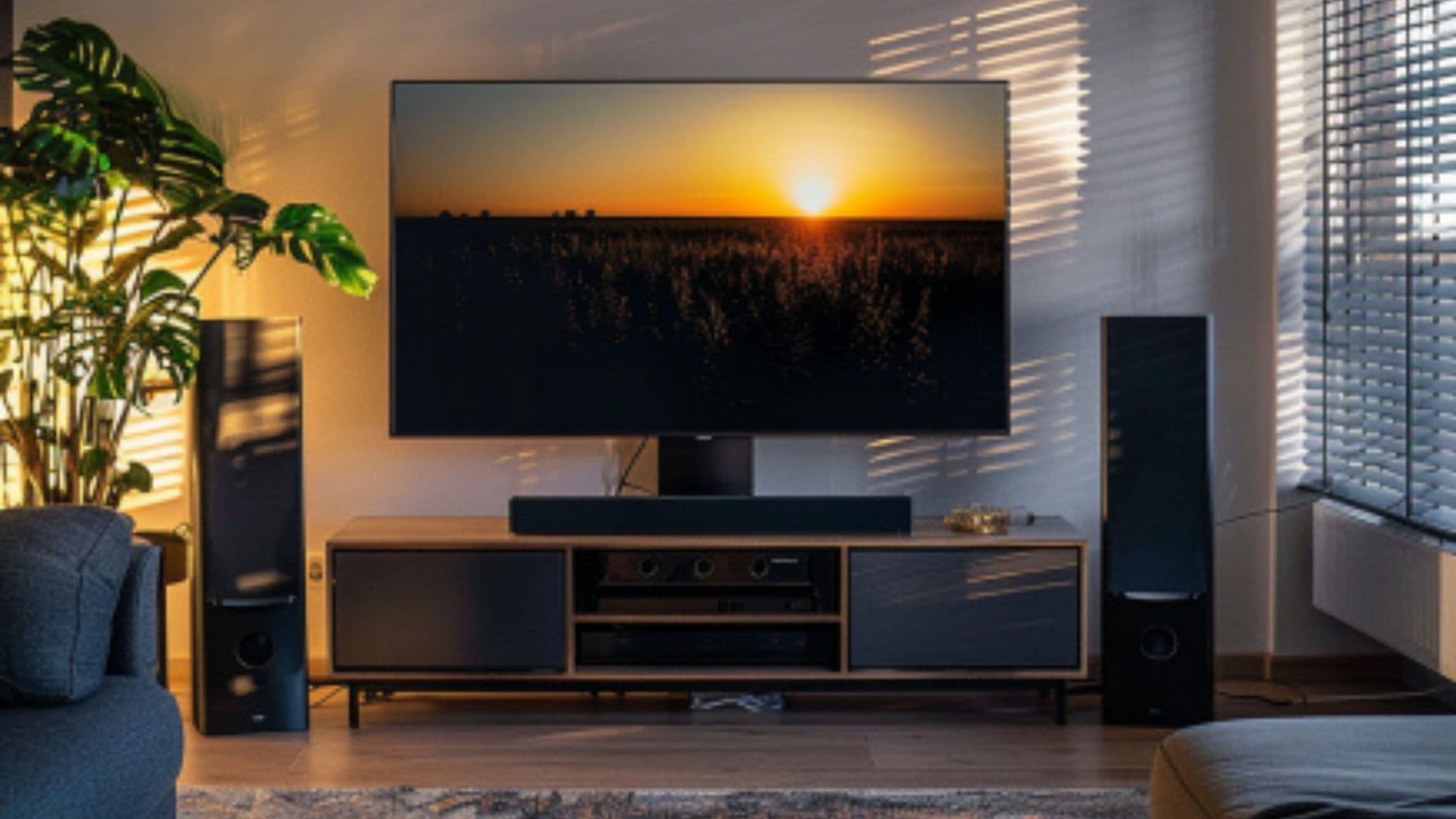
Mini checklist for a quick start for good spatial audio
- First switch off app normalization, equalizers, and crossfades
- Check the Atmos or Spatial indicator in the app
- Fit your headphones carefully. A tight seal brings more depth and bass
- With speakers, first listen without an upmixer and perform room calibration correctly
- Match the volume cleanly. Louder almost always seems better, even when it is only louder
- In the music app settings, set sound quality to the highest available level to achieve the best possible audio performance
- Connect your audio device properly, ensuring it is connected via a wired connection or Bluetooth for the best listening experience
- When navigating the app, open Spotify, tap the profile icon in the top right corner, and check for audio settings related to Dolby Atmos or spatial audio.
Conclusion
A convincing 3D listening experience emerges from many small decisions. Those who configure the app correctly, build the chain carefully, and compare fairly will immediately hear why Dolby Atmos is so fascinating. The biggest step is often not new equipment but the right setup and a conscious way of listening. With a little practice, spatial sound brings music noticeably closer. Optimizing device setup and app settings is key to achieving the best listening experience with Dolby Atmos.