Mastering the Art of Atmos Mixing: Essential Tips & Techniques
Content
Atmos mixing revolutionizes how we experience sound by placing audio in a 3D space. This article will guide you through essential tips and techniques to master Atmos mixing, enhancing your audio projects with immersive soundscapes.
Key Takeaways
-
Dolby Atmos revolutionizes audio mixing by enabling object-based sound placement in three-dimensional space, enhancing the immersive listening experience.
-
Setting up a proper Dolby Atmos mix room requires a minimum of eleven speakers, ideal speaker configuration, and comprehensive acoustic treatment to achieve optimal sound quality.
-
Using the right DAW, including Dolby Atmos plugins like the Music Panner, and mastering binaural rendering are essential for effective Dolby Atmos mixing and delivering high-quality audio.
Understanding Dolby Atmos
Dolby Atmos is not just another audio format; it’s a revolutionary step forward in how we perceive sound. Unlike traditional stereo or surround sound systems, the dolby atmos format is an object-based audio system that allows individual mix elements to be placed anywhere in three-dimensional space, independent of speaker arrangements. This means that sounds can move fluidly above and around the listener, creating an unparalleled immersive audio experience.
In a Dolby Atmos mix, audio elements can be categorized as ‘beds’ and ‘objects’. Beds are used for simpler, static sounds that provide a foundational layer, while objects are for precise audio positioning, allowing for dynamic and complex layering of sounds. This flexibility enables audio engineers to create rich, multi-dimensional soundscapes that go beyond the limitations of traditional formats.
One of the most compelling aspects of Dolby Atmos is its use of metadata to control objects. This metadata allows real-time adaptation of sound positioning based on the available speaker systems, ensuring a consistent and high-quality listening experience. The result is a level of audio separation and clarity that exceeds traditional stereo formats, making music in Dolby Atmos an immersive journey for the listener.
Setting Up Your Atmos Mix Room
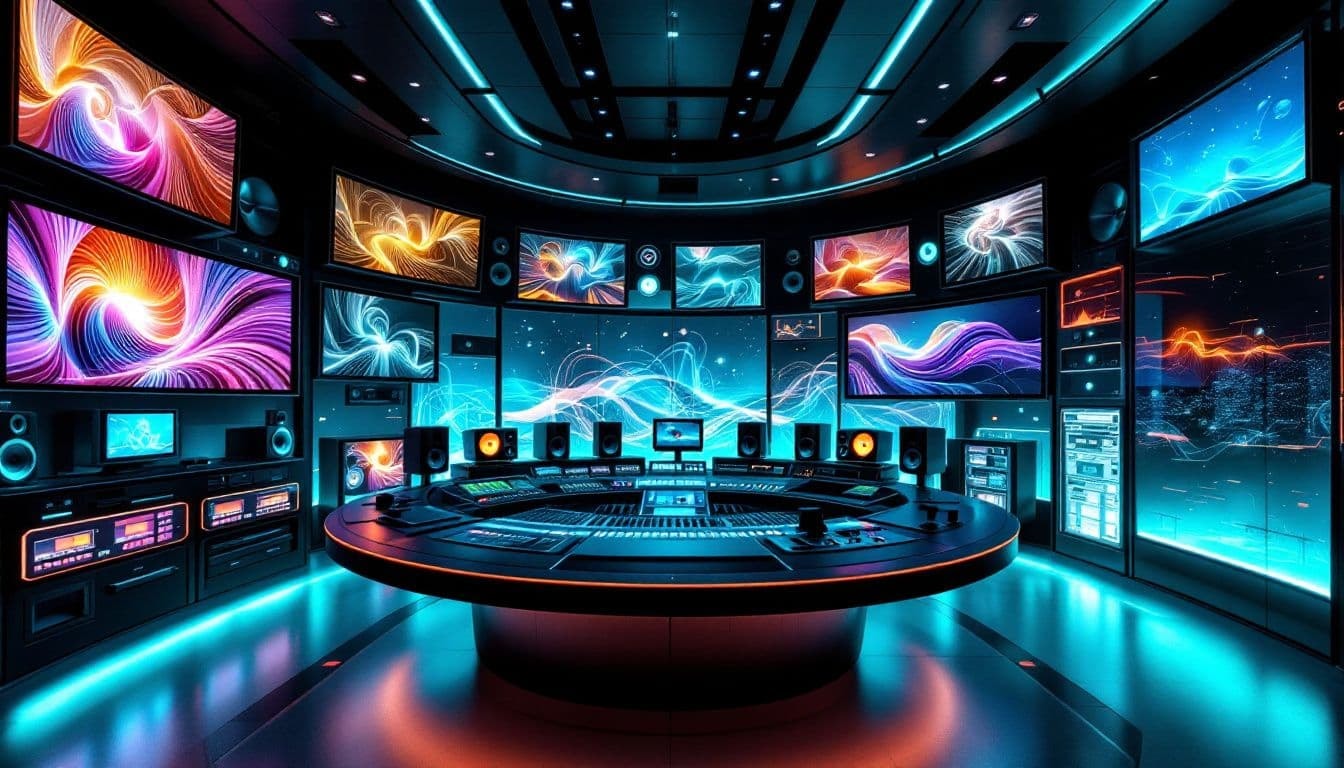
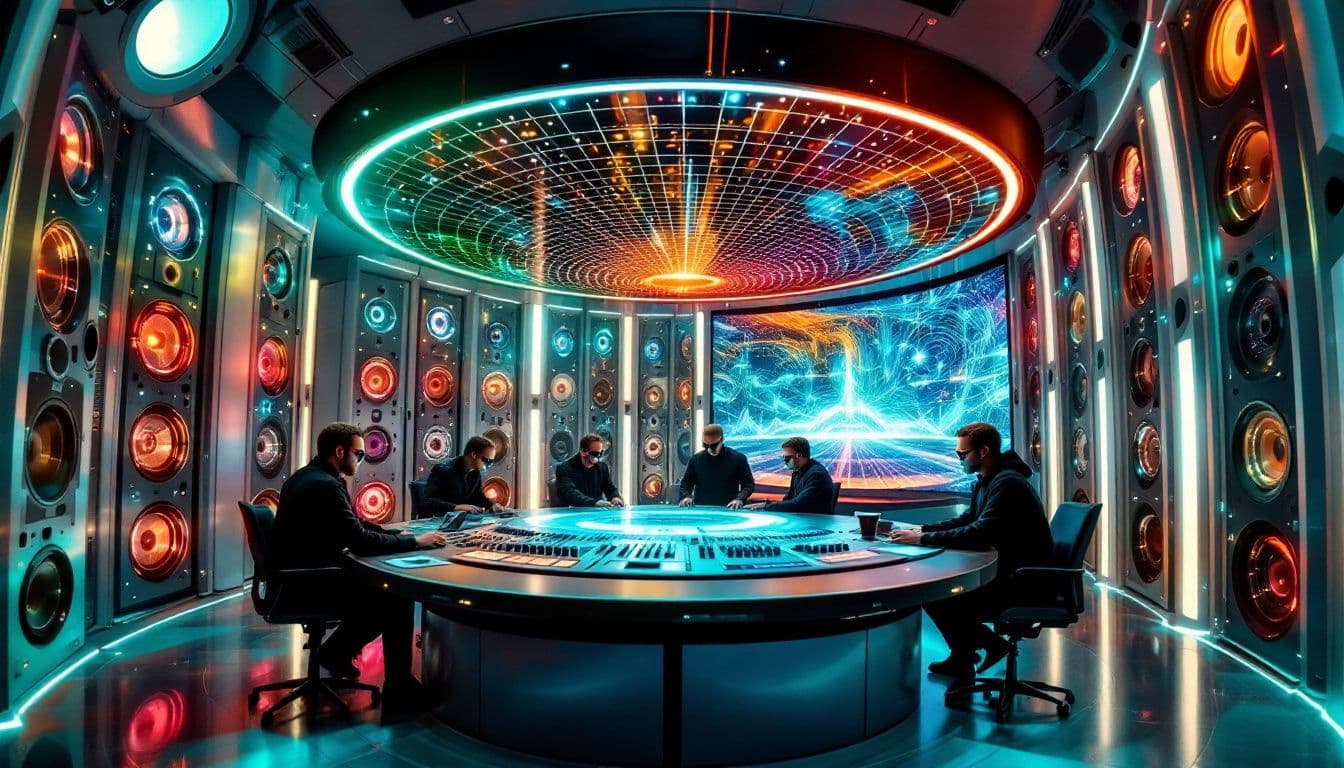
Setting up a Dolby Atmos mix room is crucial to unlocking the full potential of this immersive audio format. A proper setup starts with the right speaker configuration. Dolby Atmos requires a minimum of eleven speakers, including a subwoofer, to create a fully immersive environment. These speakers should be arranged symmetrically, maintaining equal distances and angles from the listener to ensure an even sound field.
Choosing Dolby-approved speakers, ideally identical full-range models, is recommended to maintain consistency in sound quality. Additionally, an immersive mixing room should be acoustically treated to manage sound reflections from all directions. This often requires more absorption than a standard stereo setup, utilizing broadband absorbers at least six inches thick to effectively treat both low and high frequencies.
The dimensions of your mix room also play a significant role. Dolby recommends a minimum room size of 3.5m x 3m x 2.4m, with an ideal base dimension of 4.5 x 4.5 x 2.6 meters. Monitor control and calibration software can enhance the functionality of affordable audio interfaces, ensuring accurate monitoring during the mixing process. Essential requirements include proper speaker mounting, cabling, wall/ceiling load management, and power distribution.
Ultimately, setting up your Atmos mix room involves careful planning and attention to detail. Adhering to Dolby’s recommendations and optimizing your space acoustically ensures a mix environment that fully supports Dolby Atmos, bringing your music to life in three dimensions.
Essential Tools for Atmos Mixing
Having the right tools is crucial for starting your Dolby Atmos mixing journey. The backbone of any Atmos mix is a robust Digital Audio Workstation (DAW). Recommended software includes Apple Logic Pro, Blackmagic Design’s DaVinci Resolve, Steinberg Nuendo, and Avid Pro Tools, each offering unique features to support Dolby Atmos. Ensure your DAW is compatible with Dolby Atmos, as some require specific plugins to maximize Atmos features.
A key component in the Atmos workflow is the Dolby Atmos Music Panner plugin, which provides access to 3D object panning, a crucial aspect of creating immersive mixes. Additionally, the Dolby Atmos Renderer is indispensable for creating and managing Atmos mixes, though it must be purchased separately for new users. The Dolby Atmos Production Suite enhances the overall experience.
Using sound calibration software like SoundID Reference For Multichannel ensures accurate monitoring, which is vital for achieving the desired spatial audio effects.
Choosing the Right DAW
Selecting the right DAW is a critical decision in your Dolby Atmos mixing journey. DAWs like PreSonus Studio One and Merging Pyramix support Dolby Atmos and can utilize its 3D object panning capabilities. However, not all DAWs are created equal when it comes to Atmos integration. Some, like Ableton Live, do not offer native support for Dolby Atmos, limiting their use for Atmos mixing.
When choosing your DAW, ensure it is equipped with the necessary plugins to support Dolby Atmos features. For instance, Pro Tools requires the Ultimate version from 2019.10 or later to work with Atmos. The right DAW will provide a seamless and efficient workflow, enabling you to fully leverage the capabilities of Dolby Atmos.
Dolby Atmos Music Panner Plugin
The Dolby Atmos Music Panner plugin is a game-changer for music workflows, designed to enhance the immersive capabilities of Dolby Atmos. One of its standout features is tempo-synced object panning, which allows for precise control over the movement of sounds in sync with the tempo of your tracks. This feature is particularly useful for creating dynamic and engaging mixes that move with the rhythm of the music.
Compatibility with the Dolby Atmos Renderer ensures that the Music Panner integrates seamlessly into your workflow. This plugin enables the creation of intricate, three-dimensional soundscapes, enhancing the listening experience.
Monitoring Systems and Speakers
Choosing the right monitoring system is crucial for achieving an accurate and immersive Dolby Atmos mix. Dolby’s speaker setup recommendations vary based on the dimensions of your room. Common configurations include 7.1.4 or 5.1.4 setups, which are suitable for different room sizes and budgets.
Accurate monitoring requires a well-calibrated system, with speakers positioned to create an even sound field. Using tools like monitor controllers and sound calibration software can significantly enhance the precision of your monitoring setup, ensuring that your mixes translate well across different playback systems.
The Mixing Process in Dolby Atmos
The magic of Dolby Atmos lies in its ability to position audio stems in a 3D space, creating an unparalleled listening experience. Adapting an existing stereo control room for Atmos mixing is feasible, especially if the room orientation and sweet spot were previously chosen well. Supported DAWs for Dolby Atmos mixing include Logic Pro X, Cubase Pro 12, Nuendo 12, and Pro Tools Studio/Ultimate.
Blending bed tracks with object audio is a critical aspect of the mixing process, helping maintain a cohesive sound while adding dimensionality. The flexibility to manipulate sound objects allows for greater artistic expression and clarity in mixes compared to traditional stereo methods.
Implementing Dolby Atmos techniques significantly deepens audience engagement, positioning sounds in a three-dimensional space that envelops the listener.
Creating and Positioning Object Audio
Creating and positioning object audio effectively is key to enhancing the listener’s perception of space and movement in your mixes. Using Dolby Atmos objects allows for precise control over sound placement, enabling you to craft intricate and dynamic soundscapes.
Strategically positioning these objects guides the listener’s attention, creating a more immersive experience.
Balancing Bed Tracks with Object Audio
Balancing bed tracks with object audio is essential for maintaining spatial clarity in your mixes. Object audio elements should enhance rather than muddle the broader soundscape, supporting the audio beds without overpowering them.
Dynamic movement in object audio can complement the sonic foundation provided by audio beds, resulting in a cohesive and immersive mix.
Binaural Rendering for Headphones
Binaural rendering is crucial for achieving accurate headphone monitoring in Dolby Atmos mixing. The configuration of binaural metadata can be adjusted within the DAW or through the Dolby Atmos Renderer application, allowing for fine-tuning of the binaural experience based on your mixing needs.
Proper binaural rendering enhances the listener’s experience by ensuring accurate spatial audio representation, which is essential for creating effective mixes.
Delivering Dolby Atmos Mixes
Delivering a Dolby Atmos mix involves creating a quality ADM file, which encapsulates all the audio information and metadata. It’s essential to disable all unused objects when printing to ensure a clean and organized file. The standard deliverable for a Dolby Atmos mix, the ADM file, allows for seamless integration with various playback systems and platforms, including the dolby atmos master.
Ensuring that the stereo and Dolby Atmos files are in sync is crucial for a seamless listening experience, especially on streaming platforms like Apple Music, Tidal, and Amazon Music. Mixing tracks in one session for gapless albums maintains seamless transitions between tracks.
Common Challenges and Solutions in Atmos Mixing
Dolby Atmos mixing presents unique challenges, with phase cancellation being one of the most common issues. Phase cancellation can occur if signals sent to the LFE channel are not properly differentiated from those going to the front speakers. To avoid these issues, ensure that the LFE signals are distinct from the rest of the speaker arrangement.
Addressing these challenges proactively can lead to a cleaner, more immersive Atmos mix that fully utilizes the technology’s capabilities. Understanding and mitigating common issues will help you create higher-quality mixes that stand out in the competitive audio landscape.
Enhancing Your Stereo Mix with Atmos Techniques
Integrating Dolby Atmos techniques can significantly enhance traditional stereo mixes. By understanding the unique sound placement capabilities of Atmos, you can provide immersive depth and clarity to your stereo tracks. Using object audio techniques allows you to creatively position sounds in a stereo mix, complementing the traditional left-right panning.
Balancing audio beds with object audio offers a lush soundscape while retaining the integrity of your stereo mix. Experimenting with reverb and other effects can help merge atmospheric details seamlessly into your stereo track, enhancing the headphone listening experience.
Ultimately, enhancing your stereo mix with Atmos techniques requires creativity and exploration of new sound spaces.
Expert Insights and Tutorials
To truly master Dolby Atmos mixing, learning from industry experts can provide invaluable insights. Eric Horstmann and David Ziegler offer exceptional tutorials focused on mixing music in Dolby Atmos, sharing their expertise and advanced techniques. For instance, Eric’s mixing template includes multiple reverb paths, each configured with different pre-delay times to create Dolby Atmos mixes, showcasing how to leverage the full potential of Atmos through dolby atmos mastering.
The Dolby Atmos Music ecosystem connects artists, record labels, and streaming services to enhance the consumer playback experience. Studying expert tutorials and insights elevates your mixing dolby atmos music skills, keeping you ahead in the evolving field of immersive audio, including the dolby atmos mastering suite.
Staying Updated with Dolby Atmos Innovations
The world of Dolby Atmos is constantly evolving, with new advancements shaping the audio landscape. One significant development is Apple’s introduction of Dolby Atmos on Apple Music, which has been a game-changer for the industry. This move has popularized spatial audio, making it more accessible to a wider audience and creating new opportunities for artists and engineers.
Staying updated with the latest innovations and trends in Dolby Atmos technology is crucial for anyone involved in audio production. Keeping up with industry news and Dolby Laboratories developments ensures your skills and knowledge remain current, allowing full advantage of the latest tools and techniques.
Summary
Mastering the art of Dolby Atmos mixing opens up a world of creative possibilities that transform how we experience music. From understanding the basics of object-based audio to setting up an ideal mix room and utilizing essential tools, this guide has provided you with a comprehensive roadmap to create immersive Atmos mixes. By embracing the advanced techniques and expert insights shared here, you can enhance your stereo mixes and deliver high-quality Dolby Atmos content that captivates listeners.
As the audio industry continues to evolve with innovations in Dolby Atmos technology, staying informed and adaptable is key. The journey of mastering Dolby Atmos mixing is ongoing, but with the knowledge and tools at your disposal, you are well-equipped to push the boundaries of sound and create truly engaging audio experiences. Dive in, experiment, and let your artistic vision soar in the three-dimensional realm of Dolby Atmos.
Frequently Asked Questions
What is the primary benefit of mixing music in Dolby Atmos?
The primary benefit of mixing music in Dolby Atmos is the immersive 3D surround audio experience, which enhances audio separation and clarity beyond traditional stereo formats. This results in a more engaging listening experience for the audience.
How many speakers are necessary for a proper Dolby Atmos mixing room?
For a proper Dolby Atmos mixing room, you need at least eleven speakers, including a subwoofer, to achieve the desired sound experience.
Which DAWs are recommended for Dolby Atmos mixing?
For Dolby Atmos mixing, it is recommended to use Apple Logic Pro, Blackmagic Design’s DaVinci Resolve, Steinberg Nuendo, or Avid Pro Tools. Each of these DAWs offers robust capabilities for immersive audio mixing.
What is the standard deliverable format for a Dolby Atmos mix?
The standard deliverable format for a Dolby Atmos mix is an ADM file, which includes all audio information and metadata for accurate playback. This ensures a seamless listening experience across compatible systems.
How can phase cancellation be avoided in Dolby Atmos mixing?
To avoid phase cancellation in Dolby Atmos mixing, keep LFE signals distinct from other speakers and proactively address potential interference. This approach will help achieve a cleaner and more immersive audio experience.