Airpods spatialize stereo: How to Turn Normal Audio into Spatial Sound
Content
Key Takeaways: AirPods Spatialize Stereo
-
Spatialize Stereo automatically converts regular stereo audio into 3D sound without requiring Dolby Atmos content—this feature is part of the broader Apple Spatial Audio technology.
-
Compatible with AirPods Pro (1st & 2nd gen), AirPods Max, AirPods 3rd gen, and Beats Studio Pro from iOS 15 onwards
-
Head tracking and personalized HRTF filters deliver an immersive listening experience for movies, music, and games
-
Activation happens automatically with connected AirPods or manually via Control Center
-
Personalized 3D Audio uses the iPhone’s TrueDepth camera to create an individually optimized sound profile
The leap from traditional stereo to spatial 3D audio is revolutionizing how we experience music, movies, and games. With the Spatialize Stereo feature, Apple has developed a technology that turns any normal stereo sound into an immersive listening experience. While true Dolby Atmos requires specially mixed content, this innovation works with virtually any audio source – from Spotify playlists to YouTube videos.
The magic lies in the intelligent signal processing of the H1 and H2 chips in modern AirPods. They transform the familiar left-right stereo field into a three-dimensional sound space that simulates sound coming from above, below, and all around you. The result is a listening experience that comes much closer to natural human hearing than conventional headphones.
What Is Stereo to 3D Audio on AirPods?
Spatialize Stereo is Apple’s proprietary technology for converting standard stereo sound into virtual 3D audio. Unlike true Spatial Audio, which requires specially mixed Dolby Atmos content, this feature works with any stereo material. The key difference lies in the processing: while normal stereo sound only differentiates between the left and right ear, Spatialize Stereo expands the sound field in all directions. Spatialized stereo creates a more immersive and realistic listening experience by simulating the positions of sound sources in space, enhancing the sense of depth and directionality.
The technology creates the convincing illusion that you are not wearing headphones at all. Instead, sounds seem to come from your surroundings, similar to a high-quality surround sound system. This spatial sound positioning is based on complex psychoacoustic principles that our brain uses to localize sound sources in the real world. Spatial audio works by using head tracking and advanced algorithms to create the illusion that sounds are coming from different directions, making the experience more engaging and lifelike.
Compared to trends like so-called 8D audio, which often produces artificial-sounding effects, Apple’s approach focuses on more natural sound expansion. Dolby Atmos creates a highly immersive 3D audio experience by mapping individual audio sources to specific positions in a three-dimensional space, offering a more advanced form of spatial audio for surround sound systems and premium content. The technology is seamlessly integrated into the Apple ecosystem and works automatically with Apple Music, but also with third-party apps such as Spotify, YouTube Music, or podcast platforms. The difference compared to conventional stereo is particularly noticeable with orchestral music, soundtracks, and atmospheric recordings.
With spatialized audio, sounds can be heard as if they are coming from the left ear or left side, depending on your head movement. This precise localization enhances the realism, making it feel as though a character’s voice or an instrument is positioned exactly where it would be in a real environment.
Technical Functionality of Stereo-to-3D Conversion
At the heart of Spatialize Stereo are HRTF filters (Head-Related Transfer Function), which simulate natural sound directions. These mathematical models describe how our head, ears, and torso influence sound waves coming from different directions. Every person has unique physical characteristics that determine how they perceive sound from various angles.
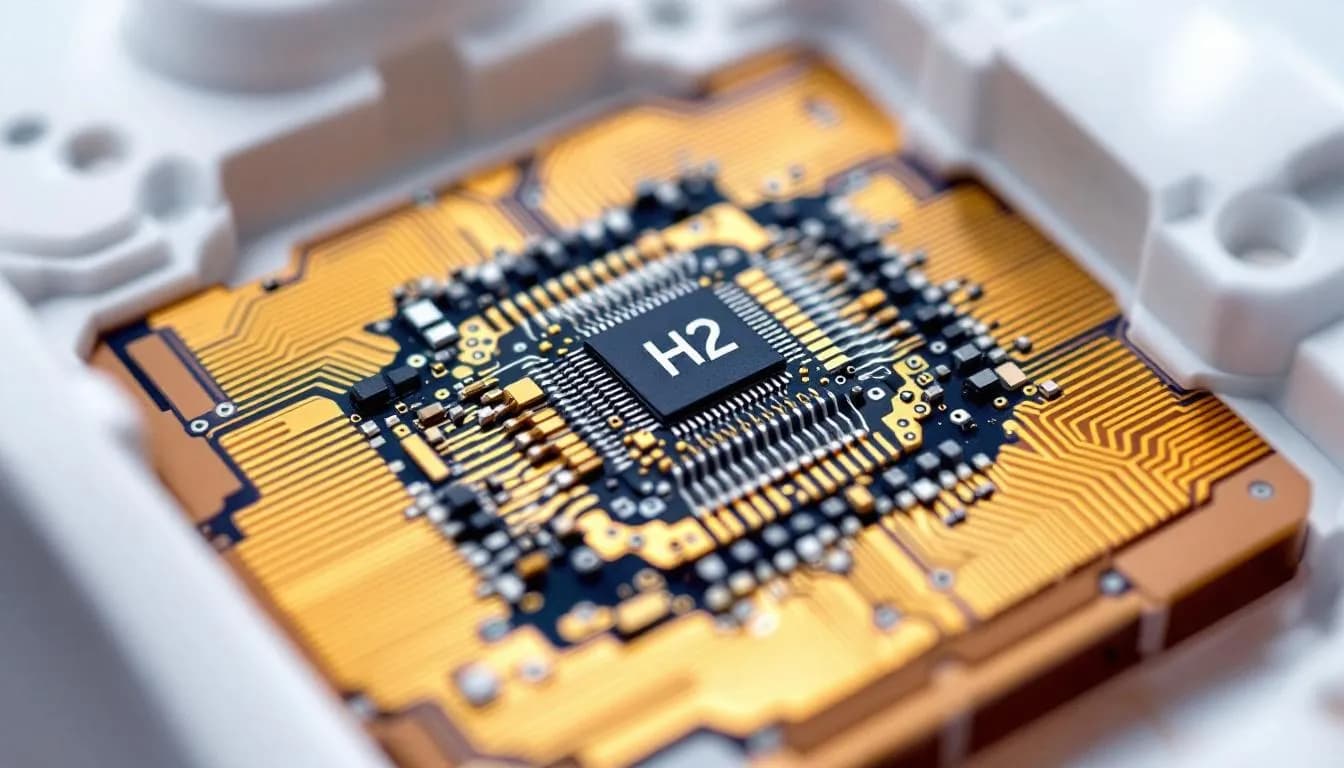
The H1 chip in first-generation AirPods Pro and the even more powerful H2 chip in the second generation calculate this spatial audio positioning in real time. While playing audio, the system processes the signal in real time to create the 3D effect. These purpose-built processors continuously analyze the incoming stereo signal and apply complex filter algorithms to create the illusion of three-dimensional sound sources.
Head tracking works via a sophisticated system of gyroscopes and accelerometers that capture every head movement. When you turn your head to the left, the sound stage remains fixed in space, as if the sound sources actually existed in the environment. This dynamic movement of sound greatly reinforces the illusion and makes the difference between active and inactive head tracking immediately audible.
The algorithm first expands the natural stereo width of the original material and then adds subtle room reverb effects that simulate different acoustic environments. Binaural audio processing imitates how our brain combines information from both ears to determine spatial sound positions. The result is a noticeably wider and more natural sound field than with conventional stereo playback. Only devices and headphones that support spatial audio can take full advantage of these features.
Head Tracking Technology in 3D Audio
Head tracking technology is at the heart of what makes spatial audio on Apple devices so immersive and lifelike. By using dynamic head tracking, Apple AirPods Pro, AirPods Max, Beats Fit Pro, and other compatible hardware can sense even the slightest head movement and adjust the audio experience in real time. This means that as you turn your head, the sound sources—whether it’s dialogue in a movie, instruments in a song, or effects in a game—remain anchored in their original positions, just as they would in a real-world environment.
This technology transforms the way you listen to music, watch movies, or play games on your iPhone, iPad, or Mac. When you use spatial audio with head tracking, surround sound becomes more than just a buzzword: it creates the sensation that audio is coming from specific points all around you, not just from the left or right ear. For example, when watching a movie or TV show that supports Dolby Atmos, voices seem to come from the screen while background sounds and music fill the space around you, enhancing the sense of realism and immersion.
Accessing and customizing head tracking is simple through the Control Center on your Apple device. Here, you can easily switch between fixed and head-tracked modes, allowing you to tailor the listening experience to your activity—whether you want the soundstage to stay put while you move, or follow your head movements for a more interactive effect. The latest version of iOS ensures the smoothest performance and compatibility with all the newest features.
Personalized spatial audio takes this a step further by using the TrueDepth camera on your iPhone to measure the unique shape of your ears and head. This data is used to create a custom audio profile, making the spatial audio effect even more precise and natural for your individual anatomy. The result is a truly tailored surround sound experience, whether you’re listening to Apple Music, watching movies on Apple TV, or enjoying Dolby Atmos content.
In summary, head tracking technology is a cornerstone of Apple’s spatial audio innovation. By combining dynamic head tracking, personalized spatial audio, and seamless integration with Apple devices and compatible headphones, users can enjoy a next-level audio experience that brings music, movies, and games to life like never before.
Compatible AirPods Models and System Requirements
The Spatialize Stereo feature is not available on all AirPods models. First-generation AirPods Pro fully support the feature from iOS 15.1 onward, including immersive head tracking. The second generation of AirPods Pro, introduced with iOS 16, additionally offers enhanced Personalized 3D Audio that creates individual listening profiles.
AirPods Max were the first Apple headphones with Spatial Audio support starting with iOS 14.3. The newer USB-C model of AirPods Max extends compatibility from iOS 18.4. Third-generation AirPods, supported from iOS 15.1, offer Spatialize Stereo, although with more limited 3D features compared to the Pro models.
Compatible devices and system requirements:
| Device | Minimum iOS | 3D Audio | Head Tracking | Personalized |
|---|---|---|---|---|
| AirPods Pro 1st gen | iOS 15.1 | ✓ | ✓ | – |
| AirPods Pro 2nd gen | iOS 16.0 | ✓ | ✓ | ✓ |
| AirPods Max | iOS 14.3 | ✓ | ✓ | ✓ |
| AirPods 3rd gen | iOS 15.1 | ✓ | Limited | – |
| Beats Studio Pro | iOS 16.4 | ✓ | ✓ | – |
In addition to AirPods, many Beats headphones, such as Beats Fit Pro and Beats Studio Pro, are compatible with spatial audio features, including Dolby Atmos, immersive sound, and head tracking when used with supported Apple devices. Other Apple-certified headphones also support the feature. Minimum requirements on the device side include an iPhone 8 or newer, iPad Air 2 or newer, as well as Mac computers with Apple Silicon running macOS 12.3 or later. Older Intel Macs support the feature only in a limited way.
Users can access spatial audio features through their preferred music app, such as Apple Music or Spotify, on supported devices.
Step-by-Step Setup of Stereo to 3D Audio
Activation of Spatialize Stereo often happens automatically when compatible AirPods are first connected to an iOS device. The system detects the capabilities of the headphones and enables the feature by default for supported content. For manual control, Control Center offers the quickest access.
Quick activation via Control Center:
-
Connect your compatible AirPods to your iPhone or iPad
-
Open Control Center by swiping down from the top-right corner of the screen
-
Press and hold the volume slider until the expanded audio menu appears\ From this menu, you can also adjust volume control and spatial audio settings to customize your immersive listening experience.
-
Tap “Spatialize Stereo” to enable it immediately
The system offers three different modes to choose from: “Off” completely disables the feature, “Fixed” enables spatial effects without head tracking, and “Head Tracked” delivers the full immersive experience with head-movement detection. The fixed mode is particularly useful during workouts or activities where head movements would otherwise disrupt the audio experience.
For permanent configuration, go to Settings → YourAirPodsNameYour AirPods NameYourAirPodsName → Spatialize Stereo. Here you can set the default mode for different app categories. On Mac, activation is done via the AirPods icon in the menu bar with the same options as on iOS.
Setting Up Personalized 3D Audio
Personalized 3D Audio represents the most advanced level of Apple’s spatial audio technology. This feature uses the iPhone’s TrueDepth camera to perform precise ear scans that create individually tailored HRTF profiles. The process analyzes the unique shape of your ears and head to fine-tune the spatial audio algorithms specifically to your anatomy.
Setup is available from iPhone X onward with Face ID and takes about five minutes for full calibration. During setup, the system creates several 3D scans of your ears from different angles and calculates a personalized listening profile from this data. These data are encrypted and stored locally on the device to avoid privacy concerns.
Setting up your personalized profile:
-
Open Settings → AirPods → Personalized Spatial Audio
-
Tap “See & Hear How It Works” for a short demo
-
Select “Set Up Personalized Spatial Audio” and follow the instructions
-
Position your face in front of the front-facing TrueDepth camera
-
Slowly move your head while the system scans your ears
Automatic syncing is available across all Apple devices using the same Apple ID, so the personalized profile is also available on iPad, Mac, and Apple TV. Users report noticeably improved sound direction and precision, especially for movies and spatially mixed music. The difference compared to standard HRTF profiles is particularly apparent with complex soundscapes and orchestral pieces.
Use Cases for Stereo to 3D Audio
Movies and TV shows benefit especially strongly from the stereo-to-3D conversion, as the technology creates a cinema-like surround sound impression without requiring multichannel audio. Dialogue scenes feel more natural because voices seem to come spatially from the center of the screen while music and effects fill the space around the listener. Streaming services such as Netflix, Disney+, and Apple TV+ make the differences especially noticeable in action films and atmospheric documentaries.
Music streaming is significantly enhanced by Spatialize Stereo, though different genres benefit to varying degrees. Apple Music, Spotify, and YouTube Music exhibit improved instrument separation and a wider soundstage. Classical music, jazz recordings, and orchestral soundtracks unfold a new spatial dimension, while electronic music and heavily compressed pop productions show less dramatic improvements.
Gaming on iOS devices and Apple Arcade titles gains a new tactical component through precise directional perception. Especially in first-person games and adventure titles, spatial audio positioning significantly enhances immersion. Footsteps, environmental sounds, and music become three-dimensionally perceptible, taking the gaming experience to a new level.
Video calls via FaceTime benefit from more natural-sounding speech and an improved sense of space. Multiple participants can be spatially separated, making conversations clearer. Podcasts and audiobooks provide a more immersive listening experience through Spatialize Stereo without the fatigue that often occurs during long headphone sessions.
Advantages and Disadvantages of Spatialize Stereo
The advantages of Spatialize Stereo lie in its much broader compatibility compared to true Dolby Atmos. While the latter requires specially mixed content, Apple’s technology works with virtually any stereo source. Lower battery consumption compared to full Spatial Audio makes the feature more practical for everyday use, and seamless integration into the Apple ecosystem ensures frictionless operation.
The technology also scores with its adaptability to different listening situations. Users can switch between fixed mode for active use and full head tracking for immersive experiences. Personalized calibration via the TrueDepth camera noticeably improves positional accuracy compared to generic profiles.
Disadvantages and limitations:
-
Less impressive than true Dolby Atmos with native multichannel recordings
-
May take some getting used to for users accustomed to traditional stereo sound
-
Head tracking can be distracting during sports or while walking
-
Not all music genres benefit equally from spatial expansion
-
Compatibility limited to newer AirPods models and Apple devices
With 3D audio enabled, AirPods battery life is reduced by about 15–20%, which should be considered for longer listening sessions. Some users find the effect artificial or distracting with certain content, particularly spoken-word recordings or minimalist music.
Optimization and Troubleshooting
Choosing the right ear tips for AirPods Pro is crucial for optimal sound and head-tracking accuracy. A poor fit not only degrades audio quality but can also interfere with the sensors responsible for detecting head movement. The built-in Ear Tip Fit Test in iOS settings helps you choose the correct size.
If sound directionality or spatial positioning seems off, you should repeat the calibration of your personalized profile. Ambient lighting and camera position significantly affect the quality of the ear scan. You’ll get the best results in even lighting without direct sunlight or strong shadows.
Common issues and solutions:
-
Unstable audio or dropouts: Temporarily disable head tracking and reconnect your AirPods
-
Weak spatial effect: Recalibrate your personalized profile or reset to the standard HRTF
-
Delay when moving your head: Update iOS and AirPods firmware to the latest version
-
Audio cutting out on one side: Reset AirPods by holding the case button for 15 seconds
Regularly updating iOS and AirPods firmware ensures the best performance and compatibility. Apple continuously improves the algorithms for spatial audio processing via software updates. For persistent problems, a full reset of the AirPods followed by a fresh setup of all Spatial Audio settings can help.
For optimal results, you should also clean your headphones regularly, as buildup can affect microphones and sensors. Correct positioning of the AirPods in your ear is essential – they should sit securely without causing pressure or discomfort.
Frequently Asked Questions (FAQ)
Does Stereo to 3D Audio work with older AirPods?
No. Only AirPods with an H1 or H2 chip (AirPods 3, Pro 1 & 2, Max) support Spatialize Stereo. Older models such as first- and second-generation AirPods lack the required sensors for head tracking and the processing power for real-time audio processing. The technology depends on special hardware components that are not present in earlier generations.
Does 3D Audio drain more battery on AirPods?
Yes. Head tracking and spatial audio processing reduce battery life by around 15–20%. The H1 or H2 chip has to perform complex calculations continuously, and the motion sensors for head tracking also consume extra energy. You can disable the feature when needed to maximize battery life; in fixed mode without head tracking, the extra drain is lower.
Can I use Spatialize Stereo on Android devices?
No. Spatialize Stereo is exclusive to Apple devices running iOS, iPadOS, or macOS. The technology is deeply integrated into Apple’s audio framework and uses proprietary algorithms that are not available on other operating systems. Android devices cannot activate this feature, even when paired with compatible AirPods.
Why doesn’t every song sound better with 3D Audio?
The improvement depends heavily on the original stereo mix. Music with a wide stereo field and clear left-right separation benefits more than mono-centered or heavily compressed tracks. Classical music, jazz recordings, and soundtracks often show the best results, while simple pop productions or podcasts exhibit less dramatic differences.
Is personalized 3D Audio really necessary?
Not strictly necessary, but definitely recommended for the best experience. Ear scanning significantly improves directionality and spatial precision, especially for movies and complex music. Without personalization, Spatialize Stereo uses standard HRTF profiles optimized for average head and ear shapes. The difference becomes particularly noticeable during longer listening sessions and with demanding content.